

Support For U11MINI 4K(RC3)
Tutorial Videos

U11MINI 4K(RC3): Fast Media Transfer via QR Code

U11MINI 4K(RC3): Never Lose Your Drone with the Smart Anti-loss System
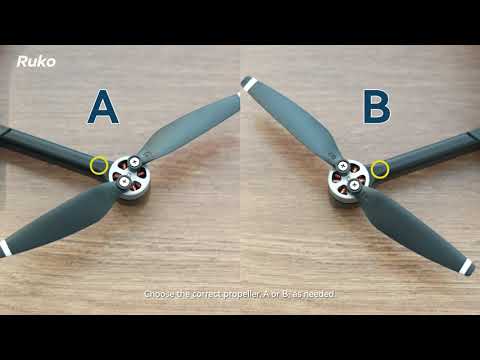
U11MINI 4K(RC3): How to Replace Propellers Correctly

U11MINI 4K(RC3): How to Calibrate the Compass for Stable Flight

U11MINI 4K(RC3): Mastering Smart Flight Modes

U11MINI 4K(RC3): Essential Pre-flight Setup Guide for Beginners

U11MINI 4K(RC3): Important: How to Protect Your Camera Gimbal
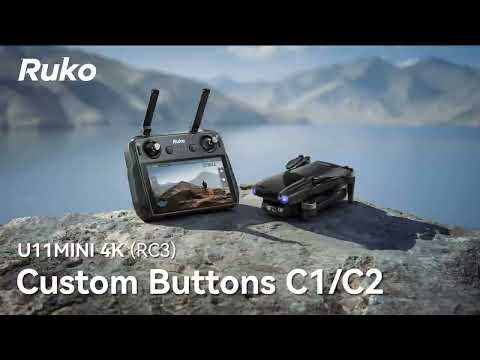
U11MINI 4K(RC3): How to Customize Your Remote Controller Buttons

U11MINI 4K(RC3): How to Insert an SD Card for 4K Recording

U11MINI 4K(RC3): Battery Maintenance

U11MINI 4K(RC3) —Choosing Flight Environment

Ruko U11MINI 4K (RC3) Unboxing: What's Inside the Box?

U11MINI 4K(RC3) First Flight
FAQ
Safe Flight
Aircraft
Battery
Image Transmission
Remote Controller
Accessories
Propulsion
Camera
GPS
Safe Flight
-
How to choose flying circumstance?
 Choose an open and undisturbed place (no obstacle within a 15-meter radius), take off more than 3 meters away from the drone
 -
What height do I need to fly to avoid a collision?
When flying, try to fly at a higher altitude than surrounding obstacles to avoid hitting obstacles at a low flying height -
What should I do before I fly the drone?
Before flying, please check the drone, the battery level of the remote controller, and whether the propellers are screwed and deformed, etc.
Manuals Download
-
User-ManualPDF
Apps Download
Ruko U11